Scatter
Plot values against a grouping like Core Count
A scatter chart draws a point for each value instead of connecting them. Use it to see how a value relates to something numeric, for example how player count relates to Core Count.
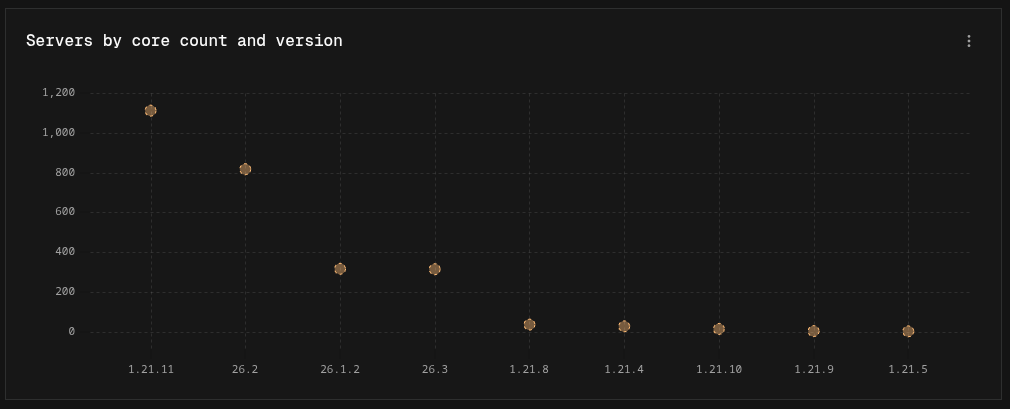
Building a scatter chart
- Against a grouping: in Easy mode, pick a Breakdown (for example Core Count) and leave Show on Total. In Canvas mode, add a Group By node. Each group becomes a position on the horizontal axis.
- Over time: in Easy mode, set Show to an interval. In Canvas mode, add a Time Group node. Points are placed along a time axis.
Each series (or Output node) becomes its own set of points with its own color.
Display options
| Option | Default | Description |
|---|---|---|
| Logarithmic Scale | Off | Spaces the value axis by orders of magnitude |
| Point Size | Medium | Small, Medium, or Large |
| Show Legend | On | Shows a legend when there is more than one series |