Pie
Show how a total splits into groups
A pie chart shows how a total is split between groups, for example the share of servers on each platform. It works best with a handful of groups.
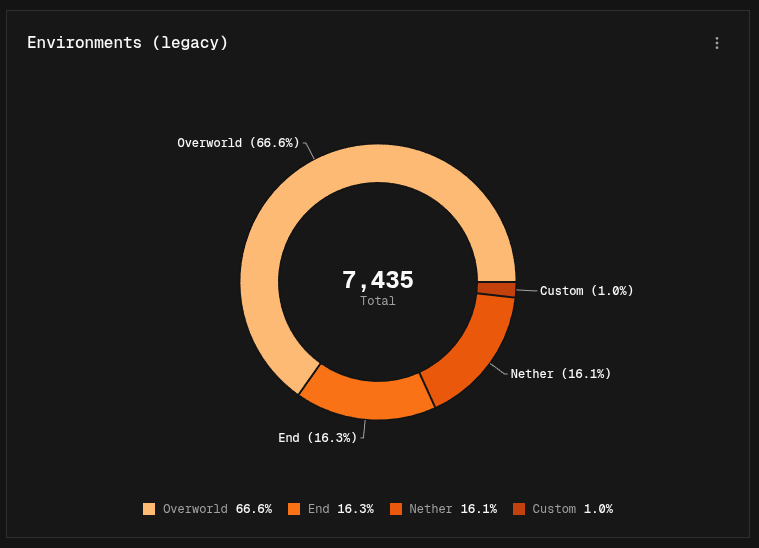
Building a pie chart
- Easy mode: pick a Breakdown. Each group becomes a slice. Use Top n values and Group the rest as Other to keep the number of slices small.
- Canvas mode: add a Group By node before the Output node.
Without a breakdown, each series becomes its own slice instead.
Display options
| Option | Default | Description |
|---|---|---|
| Chart Style | Donut | Donut (with a hole in the center) or a solid Pie |
| Show Center Value | On | Shows a value in the middle of the donut. Donut style only |
| Center Value Type | Sum of Values | Sum of Values shows the total of all slices. Category Count shows how many slices there are |
| Show Legend | On | Shows a color-coded legend below the chart |
| Show Slice Labels | Off | Shows a label with a line pointing to each slice |
Drilling down
If the Output node uses Nest by, for example to split java/17 into java and 17, slices are grouped by the first part. Click a slice to see the values inside it, and use the back button to return to all categories. See Output settings.