Heatmap
Show intensity in a grid, like activity by hour and day
A heatmap colors each cell by its value, from quiet to busy. It’s useful for spotting patterns, like the busiest hours of the week.
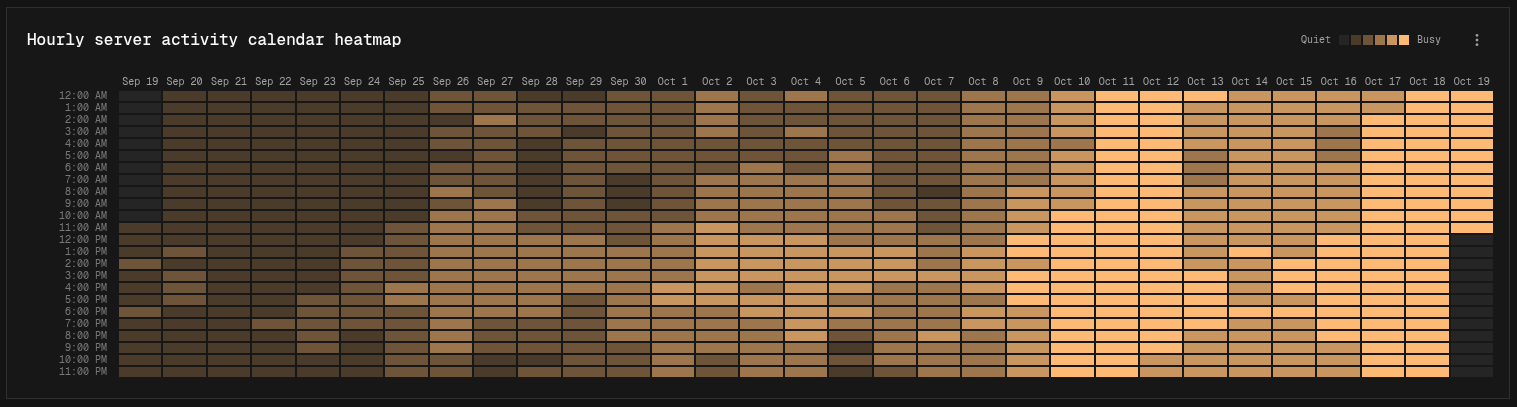
Layouts
The heatmap picks its layout from the shape of your data:
| Layout | Easy mode | Canvas mode |
|---|---|---|
| Calendar: one column per day, one row per hour | One series, Show set to Hour, over a time range of several days | One pipeline with a Time Group node set to hours |
| Grid: one row per series, one column per group | Several series, a Breakdown, and Show on Total | Several Output nodes, each with a Group By node on the same field |
| Grid: the first field is the rows, the second is the columns | — | A Group By node with two fields |
| Mosaic: one tile per group | One series, a Breakdown, and Show on Total | One pipeline with a Group By node on one field |
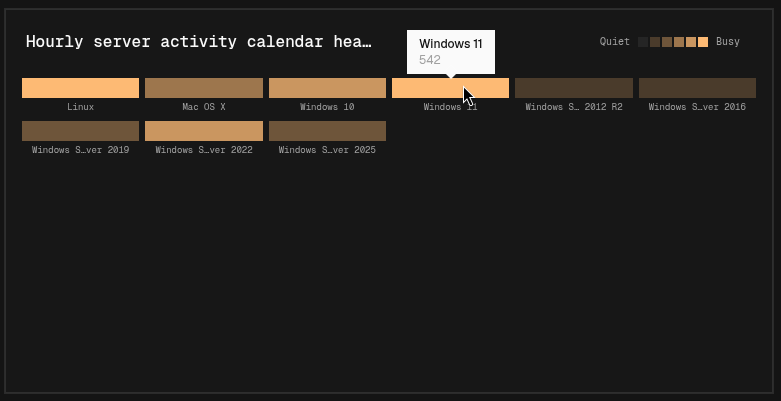
In grid layouts, empty rows and columns are hidden and the busiest rows are shown first. Hover a cell to see its exact value.
Display options
| Option | Default | Description |
|---|---|---|
| Show Legend | On | Shows a color scale from Quiet to Busy |