Map
Show values per country on a world map
A map chart shades each country by its value, so you can see at a glance where your servers or visitors are.
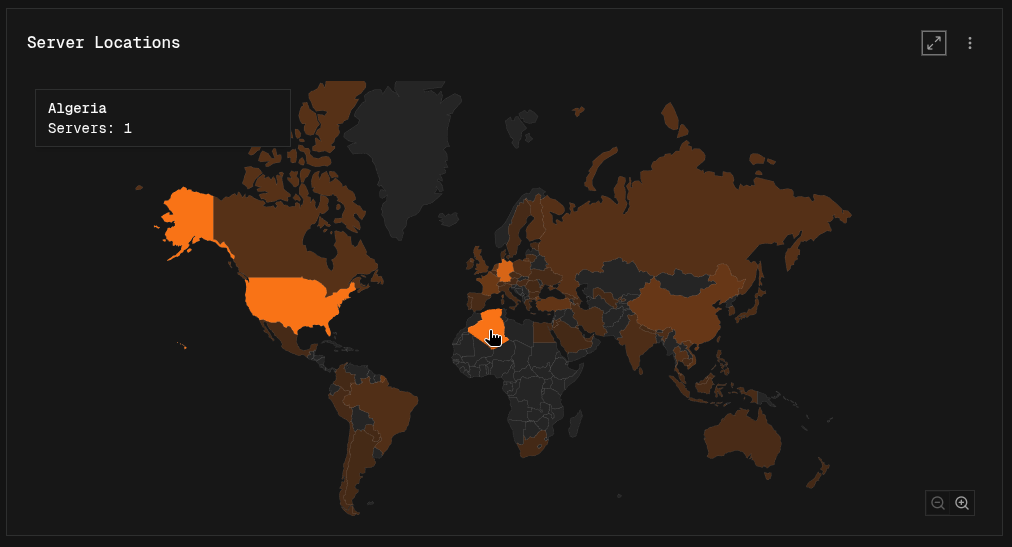
Building a map
Group by a country field. Each group must be a two-letter country code (like DE or US), which is what the built-in country fields contain.
- Easy mode: pick a country field as the Breakdown.
- Canvas mode: add a Group By node on a country field before the Output node.
A map shows one series. If there are several, it uses the first one.
Using a map on the dashboard
- Countries with higher values are shaded more strongly. Hover a country to see its name and value.
- Use the zoom buttons to zoom in and out, and drag to move around.
- Open the map in fullscreen to also see a list of all countries, sorted by value.